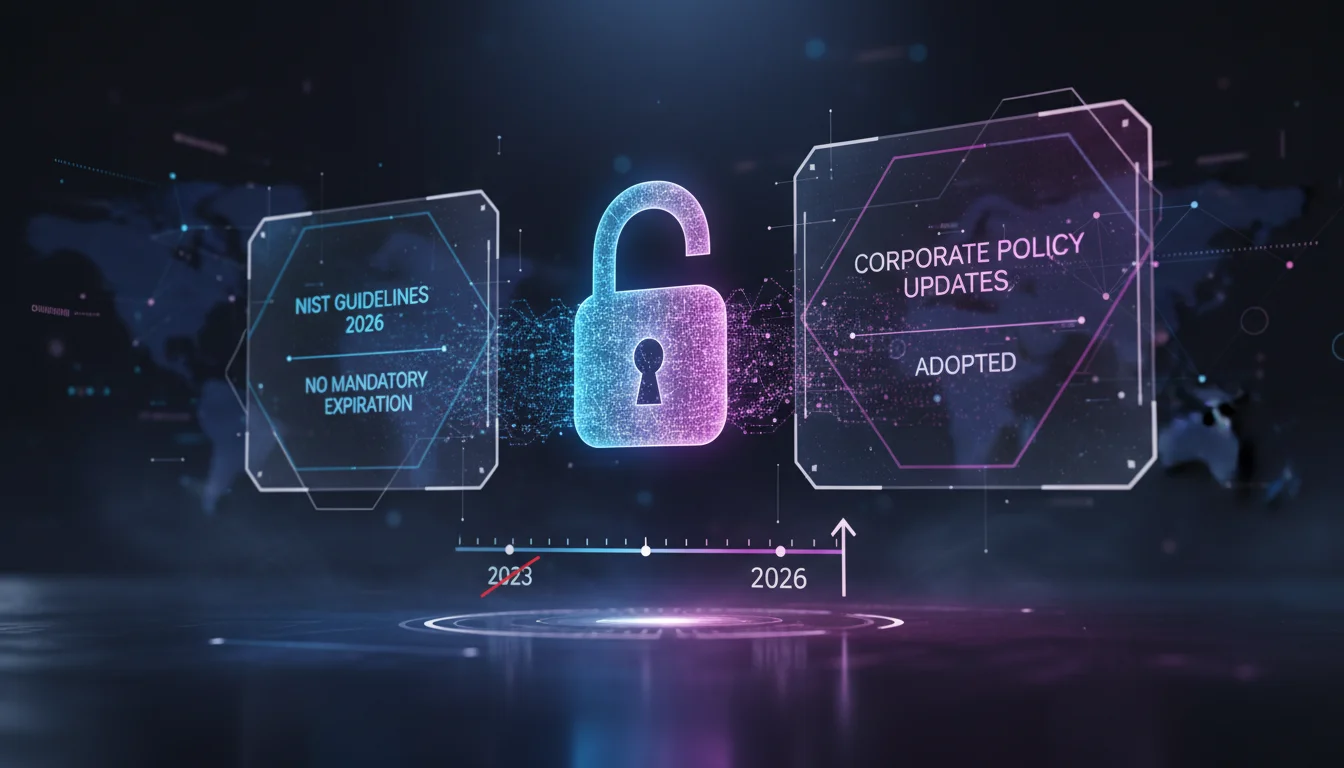

For decades, IT departments have operated under a golden rule that made employees groan collectively every 90 days: “Your password has expired. Please choose a new one.” In 2026, that rule is not just outdated—it is officially considered a security vulnerability. The National Institute of Standards and Technology (NIST) has solidified its stance in the latest iteration of Special Publication 800-63B, fundamentally shifting how organizations should approach identity and access management (IAM).
If you are a Chief Information Security Officer (CISO), an IT manager, or simply a user tired of remembering which special character you added to your login credential this month, this guide is for you. Here is the definitive NIST password guidelines 2026 summary, broken down using the Koray Framework for semantic depth, and how PassHulk can help you stay compliant while reducing user friction.
The Core Philosophy Shift: Usability is Security
The headline for the 2026 guidelines is simple: Human behavior is the biggest variable in security. Previous standards treated users like machines that could store infinite distinct strings of random characters. The reality, as NIST has recognized, is that when you force complexity and frequent rotation, users resort to predictable patterns, often falling into the perils of weak passwords that are easily guessed by attackers.
The 2026 standards move away from “arbitrary complexity” and toward “authentic strength.” This means the focus has shifted from the composition of the password to the length of the secret and how it is validated against known threats.
1. The Death of Mandatory Password Expiration
Perhaps the most celebrated update in the NIST 2026 guidelines is the recommendation to stop requiring periodic password changes unless there is evidence of a compromise.
Why the Change?
When users are forced to change their passwords every 60 or 90 days, they do not create entirely new, secure passphrases. Instead, they engage in “transformations.”
- Incrementing: PassHulk2025! becomes PassHulk2026!
- Patterning: Changing the special character at the end from a question mark to an exclamation point.
- Writing it down: The “Post-it Note on the monitor” effect increases drastically with rotation frequency.
The Verdict: If a password is strong and hasn’t been stolen, changing it offers no security benefit and only encourages weaker habits.
2. Complexity Rules are Out, Length is In
Remember the error message: “Password must contain one uppercase, one lowercase, one number, and one symbol.” NIST now advises against these composition rules.
The Problem with Composition Rules
Complexity requirements actually narrow the search space for attackers. If a hacker knows your policy requires a capital letter and a number, they know exactly where users are likely to put them (usually the capital at the start and the number at the end). This makes brute-force attacks and dictionary attacks more efficient.
The New Standard: Passphrases
Instead of Tr0ub4dor&3, NIST recommends long passphrases like correct-horse-battery-staple. The 2026 guidelines specify:
- Minimum Length: 8 characters is the absolute floor, but 15+ characters is the recommended standard for user-generated passwords.
- Maximum Length: Systems should allow passwords up to 64 characters to accommodate passphrases and password managers like PassHulk.
- Character Types: All printable ASCII characters (including spaces) and UNICODE characters (including emojis) should be allowed.
3. Banning Common and Compromised Passwords
While NIST says “let users choose,” they also say “don’t let them choose garbage.” The 2026 guidelines mandate that verifiers (the systems checking the passwords) must compare prospective passwords against a blocklist.
This blocklist must include:
- Passwords obtained from previous data breaches (Credential Stuffing lists).
- Dictionary words.
- Repetitive or sequential characters (e.g., 123456, aaaaaa).
- Context-specific words (e.g., the name of the company, the username).
PassHulk Integration: PassHulk’s enterprise dashboard automatically checks user credentials against the dark web and breach databases in real-time, ensuring compliance with this specific NIST requirement without manual IT intervention.
4. Knowledge-Based Authentication (KBA) is Forbidden
The era of “What is your mother’s maiden name?” or “What was the name of your first pet?” is officially over. NIST 2026 guidelines strictly prohibit Knowledge-Based Authentication (KBA) for password recovery or identity verification.
The Reason: In the age of social media, this information is public record. An attacker can easily find your high school mascot or your pet’s name via an Instagram scan. This creates a backdoor into otherwise secure accounts.
5. Multi-Factor Authentication (MFA) is Non-Negotiable
While this article focuses on passwords, the NIST guidelines emphasize that passwords alone are insufficient. However, not all MFA is created equal.
SMS is Deprecated
The 2026 summary highlights the vulnerability of SMS and voice-call OTPs (One Time Passwords) due to SIM swapping attacks. While better than nothing, NIST strongly recommends:
- FIDO2 / WebAuthn: Hardware security keys or biometric authenticators (FaceID, TouchID).
- Push Notifications: App-based authenticators with number matching to prevent MFA fatigue attacks.
How PassHulk Aligns with NIST 2026 Standards
Updating your corporate policy to meet these new standards can be daunting. PassHulk is designed to bridge the gap between legacy infrastructure and modern compliance.
PassHulk features specifically for NIST 2026:
- Policy Customization: Disable mandatory rotation and enforce a 15-character minimum length instantly across your organization.
- Breach Watch: Automatically flags if an employee’s password appears in a new dump, triggering a forced reset only when necessary (Event-Based Rotation).
- Secure Sharing: Eliminates the need for employees to email credentials, maintaining the integrity of the secret.
- Zero-Knowledge Architecture: Ensures that while we help you manage compliance, we never see your actual data.
Action Plan for IT Managers
To align with the NIST password guidelines 2026 summary, follow this checklist:
- Update Documentation: Rewrite your employee handbook to remove the 90-day reset rule.
- Audit Your Active Directory: Configure GPO (Group Policy Objects) to remove complexity requirements (special characters) and increase minimum character count.
- Implement Credential Screening: Integrate a service that checks new passwords against known compromised lists.
- Education: Train staff on the concept of “Passphrases” rather than “Passwords.”
Frequently Asked Questions (FAQ)
Does NIST 2026 require special characters in passwords?
No. NIST SP 800-63B guidelines for 2026 actually discourage mandating special characters. They recommend allowing them but focusing primarily on password length (passphrases) rather than complexity rules.
Is password expiration completely banned?
It is not banned, but it is strongly discouraged for standard users unless there is a specific reason to believe the account is compromised. NIST states that periodic resets lead to weaker passwords.
What is the recommended minimum password length in 2026?
NIST recommends a minimum of 8 characters, but modern best practices and PassHulk suggest a minimum of 12 to 15 characters to resist advanced GPU-based brute-force attacks.
Are password hints allowed?
No. NIST guidelines prohibit the use of password hints that are accessible to an unauthenticated user, as they often reveal the password or make guessing significantly easier.
How do I check if a password is compromised?
You should use a credential screening service or a password manager like PassHulk that integrates with databases of breached credentials (such as Have I Been Pwned) to block users from selecting known compromised passwords.
Conclusion
The NIST password guidelines 2026 summary represents a victory for common sense in cybersecurity. By prioritizing human behavior and realistic threat models over arbitrary rules, we can build environments that are both more secure and easier to work in.
The days of Summer2026! are behind us. The future is long, memorable passphrases, screened against breaches, and secured by strong MFA. Don’t let your organization fall behind on compliance. Equip your team with PassHulk today to seamlessly implement these standards and turn your password policy from a liability into an asset.