
The landscape of personal AI assistants has shifted dramatically in 2026. We have moved past simple chatbots that wait for a prompt; we have entered the era of the agentic AI. Leading this charge is Moltbot (formerly known as Clawdbot), a self-hosted, open-source framework that doesn’t just talk—it does.
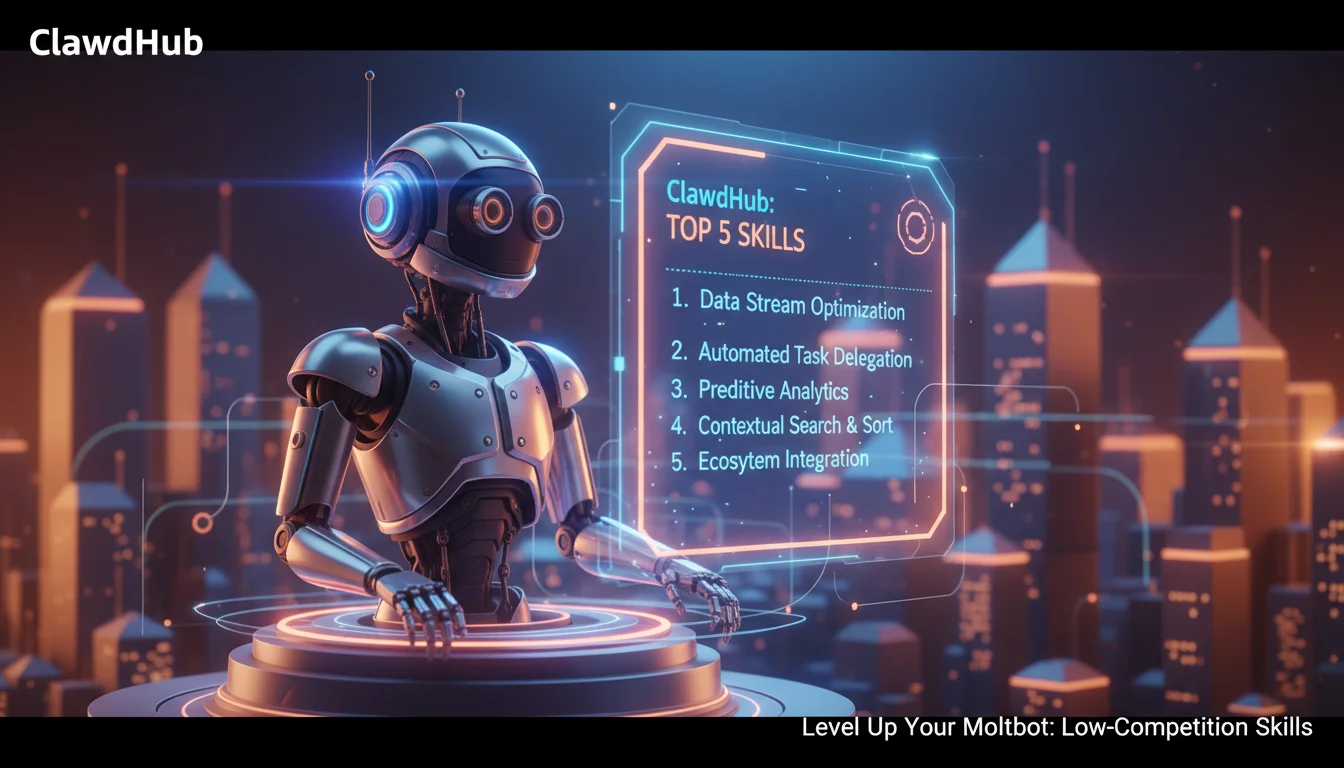
For early adopters setting up their local instances, the real magic lies not just in the core bot, but in its extensibility. Enter ClawdHub, the rapidly growing ecosystem of skills, plugins, and agents designed to transform Moltbot from a clever conversationalist into a productivity powerhouse. Whether you are running Moltbot on a Raspberry Pi, a DigitalOcean Droplet, or a local Mac Mini, installing the right skills is critical to moving beyond the “basic setup” phase.
In this guide, we break down the essential Moltbot skills you need to install right now to automate your workflow, reclaim your time, and fully leverage the semantic capabilities of your personal AI.
Understanding the ClawdHub Ecosystem
Before diving into specific skills, it is vital to understand how the ClawdHub marketplace functions. Unlike closed systems like Apple’s Siri or Google’s Gemini, Moltbot operates on a modular architecture.
- Core Agent: The brain (usually powered by Claude 3.5 Sonnet, GPT-4o, or a local Llama model) that understands intent.
- Skills (Nodes): Modular blocks of code downloaded from ClawdHub that give the agent specific “hands”—the ability to read your calendar, access the file system, or interact with APIs.
- Channels: The interface where you interact with Moltbot (WhatsApp, Telegram, Discord, Signal).
By layering these components, you build a customized “Operating System for Your Life.” Below are the highest-impact skills for immediate productivity gains.
1. The “Morning Briefing” Proactive Agent
Most AI assistants are reactive; they wait for you to ask a question. Moltbot’s defining feature is its proactivity. The Morning Briefing skill is the first essential install for any productivity-focused user.
Why You Need It
Instead of checking three different apps (Weather, Calendar, Email) when you wake up, this skill configures Moltbot to send you a synthesized digest via your preferred messenger (e.g., Telegram or WhatsApp) at a specific time.
Key Capabilities:
- Calendar Synthesis: Summarizes your day’s meetings and identifies tight scheduling gaps.
- Weather & Commute: Checks local traffic and weather conditions to suggest departure times.
- Priority Inbox: Scans your email headers for “urgent” keywords and lists only the 3-5 emails that actually require attention.
2. The Unified Inbox Triage Skill
Email fatigue is a primary productivity killer. While standard email clients have filters, the Moltbot Email Triage Skill applies semantic understanding to your inbox.
How It Works
Granting Moltbot access to your Gmail or Outlook via this ClawdHub skill allows it to act as an executive assistant. It doesn’t just read emails; it understands context.
- Auto-Drafting: It can draft replies to routine inquiries (e.g., scheduling requests) and leave them in your “Drafts” folder for a one-click approval.
- Newsletter Management: It can autonomously unsubscribe from low-value newsletters or summarize 10 newsletters into a single paragraph.
- Attachment Filing: It can detect invoices or receipts and automatically save them to a designated folder on your local drive.
3. The “Deep Research” Browser Node
One of the most powerful features of Moltbot is its ability to control a headless browser (often using Puppeteer or Playwright). The Deep Research Node takes web searching to the next level.
The Productivity Boost
Instead of spending hours Googling a topic, you can send a command like: “Research the best ergonomic office chairs under $500, compare the top 5 models based on Reddit reviews, and create a comparison table.”
Moltbot will navigate websites, scrape relevant data, filter out SEO spam, and return a clean, structured report directly in your chat window. This skill effectively outsources the initial legwork of any project.
4. The Calendar Coordinator & Scheduler
Booking meetings often involves a tedious game of “email ping-pong.” The Calendar Coordinator Skill automates this negotiation.
Key Features:
- Contextual Awareness: It knows you prefer not to have meetings before 10 AM or on Friday afternoons.
- Negotiation Mode: If you connect Moltbot to your email, it can reply to scheduling requests with: “I can meet Tuesday at 2 PM or Thursday at 11 AM,” based on real-time availability.
- Conflict Resolution: If a high-priority meeting is scheduled, it can proactively ask if you want to reschedule conflicting lower-priority events.
5. The “File System” Organizer
Since Moltbot runs locally or on your private VPS, it has a distinct advantage over cloud-only AIs: direct access to your files (if permitted). The File System Organizer skill is crucial for digital clutter management.
Automation Scenarios:
- Downloads Cleanup: Automatically moves PDF files from your “Downloads” folder to “Documents” and deletes .dmg or .exe installers older than 7 days.
- Obsidian/Notion Sync: You can dictate a note to Moltbot on WhatsApp, and this skill will append it to your daily note in Obsidian or a specific database in Notion.
- Project Scaffolding: For developers, a single command can create a new project directory, initialize a Git repository, and create a README file.
6. The Voice-to-Action Transcriber
Voice notes are convenient but often result in unstructured data. The Voice-to-Action skill (often leveraging OpenAI’s Whisper or local models) transforms ramblings into structured tasks.
You can record a 2-minute brain dump while driving. Moltbot will transcribe the audio, extract action items, add them to your Todoist or Linear board, and save the full transcript to your notes. It bridges the gap between fleeting thoughts and concrete project management.
Implementation Strategy: The Semantic Approach
When installing these skills from ClawdHub, avoid the temptation to install everything at once. This can lead to “agent confusion” where multiple skills compete for the same intent.
- Start with the Gateway: Ensure your Moltbot gateway is stable and secure (preferably behind a reverse proxy like Nginx or via Cloudflare Tunnels).
- Layer One Skill per Week: Install the Morning Briefing skill first. Configure the cron jobs and customize the prompt template to match your tone.
- Audit Permissions: Skills like “File System” require high-level permissions. Always review the code or check the “Verified” badge on ClawdHub to ensure security.
Frequently Asked Questions (FAQ)
What is the difference between Moltbot and Clawdbot?
They are the same project. Clawdbot was the original name, but the project was rebranded to Moltbot in early 2026 to avoid trademark conflicts with Anthropic’s Claude. The architecture remains compatible, though you should update to the latest moltbot packages to access the newest ClawdHub skills.
Are ClawdHub skills free?
The majority of skills on ClawdHub are open-source and free. However, some advanced skills that rely on third-party APIs (like HeyGen for video or specific premium financial data APIs) may require you to input your own API keys or pay a subscription for the service they connect to.
Is it safe to give Moltbot access to my email and files?
Security is the main trade-off for self-hosted power. Unlike cloud AIs where your data is used for training, Moltbot keeps data local. However, if you install a malicious skill, it could harm your system. Along with the importance of using strong passwords for your hosting environment, we recommend only installing skills from the “Official” or “Community Verified” repositories within ClawdHub and running Moltbot in a sandboxed environment (like Docker) if possible.
Can I write my own Moltbot skills?
Yes. Moltbot is designed to be extensible. If you know JavaScript/TypeScript or Python, you can write a custom skill. In fact, you can even ask Moltbot to write the code for a new skill for itself, though mastering how to fix agentic AI loops is a key skill when working with autonomous code generation.
Conclusion
Moltbot represents a paradigm shift from using AI as a tool to employing AI as a workforce. By carefully selecting and configuring skills from the ClawdHub ecosystem, you transform a generic installation into a bespoke productivity engine. Whether it is triaging your emails, managing your calendar, or performing deep web research while you sleep, these skills allow you to focus on high-value creative work while your digital agent handles the rest.
The future of productivity isn’t working harder; it’s configuring your Moltbot smarter. Start with the Morning Briefing and Unified Inbox skills today, and watch your daily friction disappear.