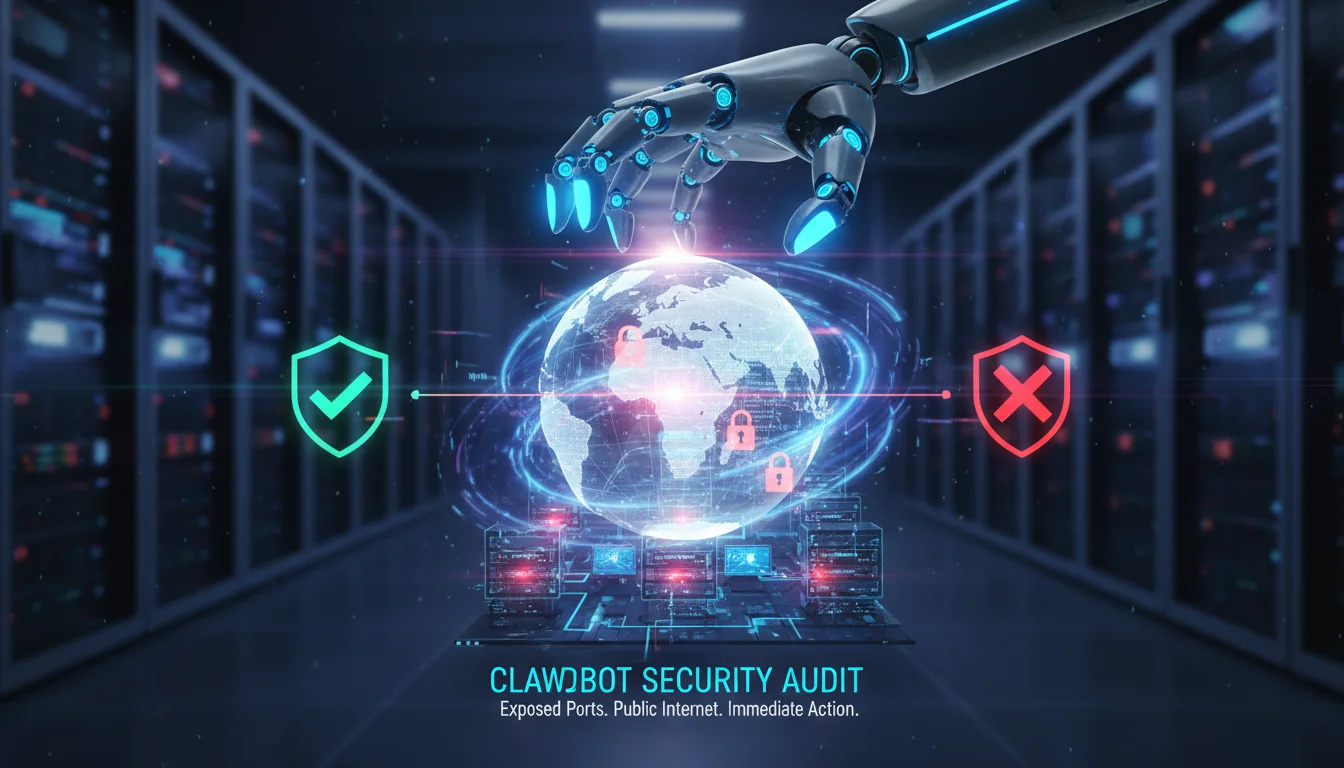

The rise of “Local-First” AI agents has shifted the cybersecurity landscape overnight. At the center of this storm is Clawdbot—recently rebranded as Moltbot—a viral open-source personal assistant that promised to liberate users from cloud reliance but has inadvertently introduced severe security risks. With reports flooding in about unauthenticated ports exposing private data to the public internet, performing a Clawdbot security audit is no longer optional; it is critical for anyone running this software.
Security researchers have dubbed this phenomenon “Shadow AI,” identifying thousands of instances where sensitive API keys, chat logs, and full shell access are visible to anyone with a web browser. If you have deployed Clawdbot or Moltbot on a Mac mini, VPS, or local server, your digital identity could be at risk. This guide provides an in-depth analysis of the Moltbot ecosystem, the specific vulnerabilities threatening users, and a comprehensive framework for auditing and hardening your deployment.
The Rise of Moltbot: From Clawdbot to Crisis
To understand the security imperative, we must first look at the tool itself. Originally launched as Clawdbot, this open-source project gained viral status for its ability to run locally on user hardware (often sparking a run on Mac minis) while integrating with popular messaging apps like WhatsApp, Telegram, and Signal. Unlike passive chatbots, Clawdbot was designed as an agentic system—capable of executing commands, managing files, and automating complex workflows on the user’s behalf.
However, success brought scrutiny. Following a trademark dispute with Anthropic (creators of the “Claude” AI), the project was hurriedly rebranded to Moltbot—a play on a lobster molting its shell. While the name changed, the underlying architecture remained, including a series of “secure-by-convenience” design choices that have now backfired.
The core promise of Moltbot is autonomy. It lives on your device, accesses your local filesystem, and “remembers” context to be a better assistant. But this deep integration is a double-edged sword. To function seamlessly across devices, Moltbot spins up a web gateway. In many default configurations, particularly those involving reverse proxies, this gateway binds to 0.0.0.0 (all interfaces) without enforcing strict authentication. The result? A “Moltbot/Clawdbot Epidemic” where attackers can remotely control the agent, effectively turning your personal AI into a malicious insider.
Anatomy of the Vulnerability: Why You Need a Clawdbot Security Audit
The current security panic is driven by three converging factors that make Moltbot deployments uniquely vulnerable.
1. Unauthenticated Gateway Exposure
The most critical flaw discovered is the exposure of the administrative control panel. Many users, following basic tutorials, deployed Clawdbot behind reverse proxies (like Nginx or Caddy) that were misconfigured to treat external traffic as trusted local traffic. This bypasses the built-in authentication mechanisms.
Attackers using scanning tools like Shodan can easily identify these exposed “Clawdbot Control” panels. Once accessed, they gain full visibility into the agent’s operations without needing a password. This allows them to:
- Read private conversation histories stored in the agent’s memory.
- Extract third-party API keys (OpenAI, Anthropic, Replicate) stored in plaintext configuration files.
- Inject malicious prompts to manipulate the agent’s behavior.
2. Plaintext Secrets and “Cognitive Context Theft”
Unlike enterprise-grade software that uses encrypted vaults or environment variable injection for secrets, early versions of Clawdbot/Moltbot stored sensitive data in plaintext JSON or Markdown files (e.g., ~/.clawdbot/memory.md). Security firms have termed the theft of this data “Cognitive Context Theft.”
Attackers aren’t just stealing passwords; they are stealing your context. By reading the agent’s memory file, they can see what you are working on, who you trust, and your private thoughts, enabling highly targeted social engineering attacks.
3. Remote Code Execution (RCE) via Agentic Capabilities
Perhaps the most dangerous aspect is the agent’s ability to execute shell commands. If an attacker gains control of the Clawdbot gateway, they can instruct the AI to execute commands on the host machine. This is effectively a Remote Code Execution (RCE) vulnerability, allowing them to install malware, exfiltrate files, or recruit the device into a botnet.
Step-by-Step Guide: Performing a Clawdbot Security Audit
If you are running an instance of Clawdbot or Moltbot, you must perform an immediate audit. The developers have responded to these reports by releasing built-in auditing tools, but manual verification is also necessary.
Step 1: Run the Built-in Audit Tool
The quickest way to assess your posture is using the CLI’s native audit command. Open your terminal and run:
clawdbot security audit(Note: If you have updated to the rebrand, the command may be moltbot security audit).
This tool checks for:
- Permission Scope: Does the agent have root or sudo access? (It should not).
- Network Exposure: Is the gateway listening on public interfaces?
- Auth Status: Is authentication enabled and correctly configured?
If the tool returns any “High Risk” warnings, stop the service immediately using clawdbot stop.
Step 2: Check for Public Exposure
Do not rely solely on the internal tool. You need to check if your instance is visible from the outside world. Use an external port scanner or a service like Canyouseeme.org to check the port your agent uses (default is often 3000 or 8080).
If the port is open and you see the Clawdbot/Moltbot interface without a login prompt, you are exposed. Immediate remediation is required.
Step 3: Audit File Permissions and Secrets
Navigate to your configuration directory (usually ~/.clawdbot or ~/.moltbot). Check the permissions of your configuration files:
ls -l ~/.clawdbot/config.jsonEnsure that these files are readable only by your user (mode 600). If they are world-readable (644 or 777), other users or compromised processes on the system can read your API keys.
Hardening Your Moltbot Deployment
Once you have identified the risks, follow these hardening steps to secure your personal AI agent.
1. Enforce Localhost Binding
Unless you absolutely need to access your agent from the public internet, ensure the gateway binds only to localhost. Edit your configuration file:
"gateway": {
  "host": "127.0.0.1",
  "port": 3000
}
This prevents external traffic from reaching the application directly. If you need remote access, use a VPN (like Tailscale or WireGuard) rather than exposing the port directly.
2. Enable Strong Authentication
If you must expose the gateway, never rely on a simple reverse proxy for security. Enable the application’s native authentication layer. Modern versions of Moltbot support token-based authentication or OAuth. Ensure this is set to “Strict” mode in your config.
3. Sandbox the Agent
Never run Clawdbot/Moltbot as root. Create a dedicated user account with limited permissions for the agent. Furthermore, use the `allowlist` feature to restrict which directories the agent can read or write to. For example, give it access to a specific ~/Documents/AI_Work folder, but block access to ~/.ssh, ~/.aws, and system directories.
4. Implement “Human in the Loop” for High-Risk Commands
Configure the agent to require manual confirmation for sensitive commands. In the settings, look for the “Safe Mode” or “Confirmation Level” and set it to high. This ensures the agent cannot execute shell commands (like rm or curl) without you explicitly typing “yes” in the chat interface.
The Future of Agentic AI Security
The Clawdbot/Moltbot incident serves as a wake-up call for the industry. As we move from passive chatbots to active agents, the attack surface expands exponentially. “Shadow AI”—agents deployed by employees without IT oversight—is becoming a significant enterprise risk.
We expect to see a shift towards “Secure-by-Design” agents that run in containerized environments (like Docker) by default, isolating them from the host system. Until then, the burden of security falls on the user. Regular audits, strict firewall rules, and a “least privilege” mindset are your best defenses.
Frequently Asked Questions (FAQ)
Is Moltbot the same as Clawdbot?
Yes. Clawdbot was rebranded to Moltbot in late January 2026 due to a trademark dispute with Anthropic. The codebase is largely the same, meaning security vulnerabilities present in Clawdbot likely exist in Moltbot unless updated.
How do I know if my Clawdbot instance was hacked?
Check your logs for unrecognized IP addresses accessing the gateway. Look for unusual entries in your memory.md file or unexpected shell command history (.bash_history). If you suspect a breach, revoke all API keys immediately and wipe the installation.
Can I run Clawdbot safely?
Yes, but it requires technical diligence. Running it inside a Docker container with no external network exposure (bound to localhost) and using it via a secure VPN is considered a safe deployment method. Avoid running it directly on your primary OS with root privileges.
What is the “Cognitive Context Theft” risk?
This refers to attackers stealing the “memory” files of your AI agent. These files contain summaries of your conversations, work habits, and personal details, which can be used to craft convincing phishing attacks or social engineering scams against you.
Conclusion
The Clawdbot security audit is a necessary ritual for the modern AI adopter. While the allure of a personal, local AI agent is undeniable, the current landscape of “Moltbot” deployments is fraught with peril for the unprepared. By understanding the risks of unauthenticated ports and plaintext data storage, you can take control of your security posture.
Do not wait for a patch to save you. Run the clawdbot security audit command today, lock down your ports, and treat your AI agent with the same suspicion you would any other powerful remote administration tool. In the era of autonomous AI, security is not a feature—it is a responsibility.