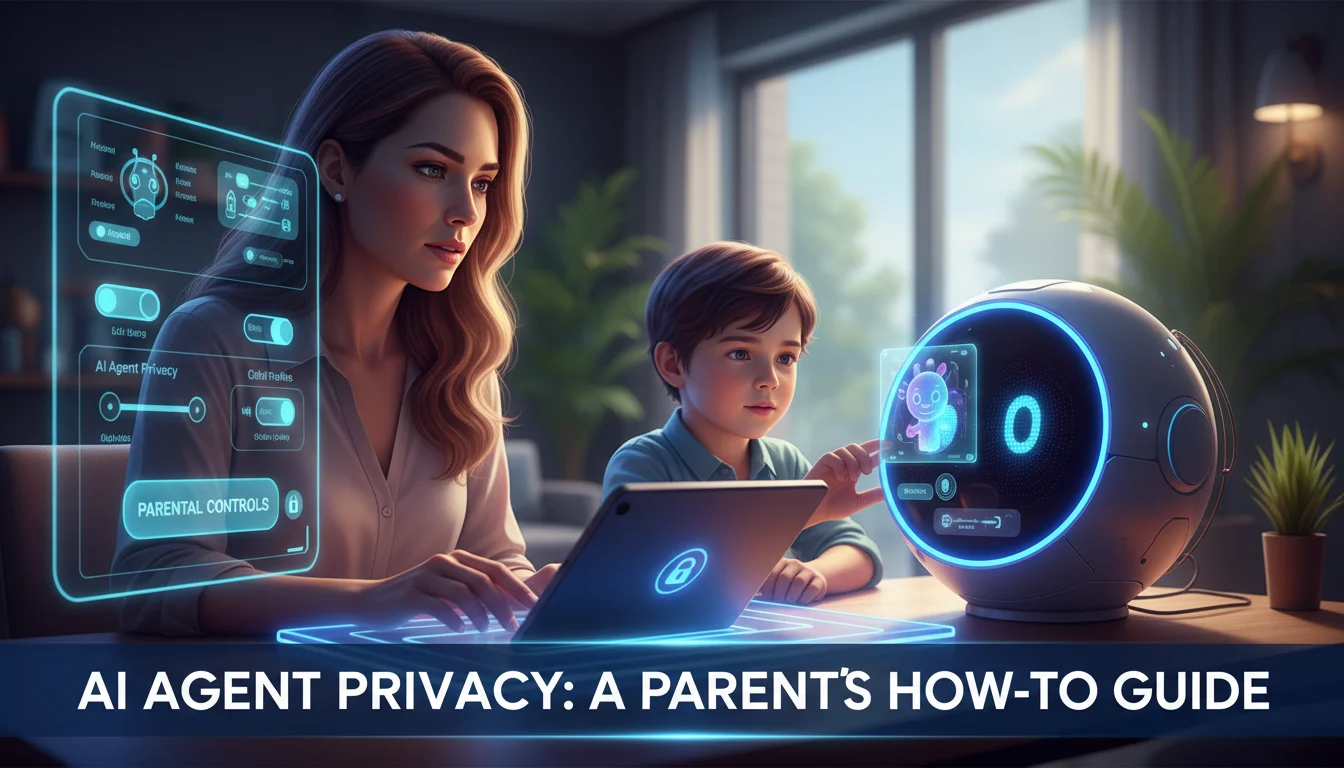

The smart home is evolving. We have moved past simple voice commands like “play music” or “set a timer.” We are now entering the era of autonomous AI agents—intelligent systems capable of reasoning, planning, and executing complex tasks across multiple applications. From Large Language Models (LLMs) like ChatGPT integrated into home devices to upcoming robotic assistants like Amazon Astro, the digital footprint of the average household is expanding exponentially.
For parents, this technological leap presents a critical paradox: AI agents offer immense educational and organizational benefits, but they also introduce unprecedented privacy risks. Unlike traditional search engines, these agents “remember” context, build behavioral profiles, and often process data in the cloud.
If you are asking, “How do I keep my child safe around these new AI entities?” you are not alone. This guide utilizes a semantic SEO framework to provide a comprehensive, step-by-step walkthrough on configuring AI agent privacy settings, managing data retention, and establishing a secure digital environment for your family.
1. Understanding the Entity: What is an AI Agent?
To secure a system, you must first understand it. In the context of Semantic SEO and topic authority, it is vital to distinguish between a Smart Speaker and an AI Agent.
- Smart Speakers (Legacy): Reactive devices (e.g., early Echo Dots) that respond to specific wake words and execute single-turn commands.
- AI Agents (Modern): Proactive, autonomous systems powered by Generative AI. They can retain long-term memory of conversations, understand nuance, infer user intent, and interact with other software autonomously.
The privacy implication here is significant. An AI agent doesn’t just record voice; it processes intent and sentiment. This means the data harvested is far more granular and personal, making strict parental control configuration mandatory, not optional.
2. The Core Privacy Risks for Children
Before diving into the settings, identifying the specific vectors of risk allows for better mitigation strategies.
Algorithmic Profiling and Data Harvesting
AI models thrive on data. Without intervention, an AI agent interacting with a child may build a profile based on their vocabulary, interests, emotional state, and learning patterns. This data is often used to train future models or, in ad-supported tiers, to target marketing.
Content Hallucination and Inappropriate Output
Even with safety guardrails, LLM-based agents can “hallucinate”—confidently stating false information—or be tricked into bypassing safety filters (jailbreaking), potentially exposing children to mature themes or biased historical narratives.
Voice Cloning and Biometric Data
Advanced agents often use voice recognition to personalize responses. However, this requires storing biometric voice prints. If a mistake occurs, or if privacy settings are lax, this biometric data acts as a permanent unique identifier for your child.
3. Step-by-Step Guide: Configuring Privacy Settings by Platform
This section addresses the practical “How-To” gap for the most prevalent AI ecosystems.
Securing OpenAI’s ChatGPT (and Integrated Voice Mode)
As ChatGPT becomes integrated into hardware and utilized as a tutor, ensuring privacy is paramount.
- Disable Model Training: Go to Settings > Data Controls. Toggle off “Chat History & Training.” This prevents OpenAI from using your child’s conversations to improve their models.
- Archive vs. Delete: If you need to monitor usage, keep history on but regularly review and manually delete sensitive threads.
- Voice Mode Safety: Ensure the app is not accessible without biometric authentication (FaceID/Fingerprint) on tablets/phones to prevent unsupervised voice chats.
Google Gemini and Assistant Family Link
Google has a robust infrastructure for parental controls, but it requires setup via Family Link.
- Voice Match: Set up “Voice Match” specifically for your child’s account. This ensures the Assistant recognizes their voice and applies age-appropriate filters (e.g., blocking explicit music or YouTube content).
- Activity Controls: Navigate to myactivity.google.com. Set “Web & App Activity” to auto-delete after 3 months (the minimum setting). This limits the lifespan of the behavioral profile.
- Downtime Settings: Use Digital Wellbeing tools to disable the AI agent’s responsiveness during homework hours or bedtime.
Amazon Alexa and Astro Privacy Hub
Amazon devices are ubiquitous in living rooms. The Amazon Privacy Hub is your control center.
- Review Voice History: Enable “Automatically delete recordings” in the Alexa Privacy Settings. Set this to “immediately” or “every 3 months.”
- Amazon Kids+ Mode: Activating this mode changes the AI’s persona. It prioritizes educational answers, blocks shopping, and filters explicit content. It is highly recommended to enable this on any shared device (like an Echo Show in the kitchen).
- Sidewalk Opt-Out: While not strictly an AI setting, disabling Amazon Sidewalk reduces the device’s connectivity to neighborhood networks, tightening local security.
Apple Intelligence (Siri & Private Cloud Compute)
With the rollout of Apple Intelligence, on-device processing is the default, which is a privacy win.
- On-Device Processing: Ensure your device settings prioritize on-device processing. Apple’s “Private Cloud Compute” promises data deletion, but keeping data local is always safer.
- Screen Time & Content Restrictions: Go to Settings > Screen Time > Content & Privacy Restrictions. Here you can block explicit language in Siri and prevent web search capability if necessary.
4. Advanced Network-Level Protection
For parents who want a “set it and forget it” layer of security, managing privacy at the router level is effective.
DNS Filtering
Services like NextDNS or OpenDNS Family Shield allow you to block specific domains associated with tracking and ads. By configuring your home router to use these DNS servers, you stop AI agents from communicating with ad-servers, regardless of the individual device settings.
IoT VLAN Segmentation
This is a pro-consumer move. Configure your router to have a separate “Guest” or “IoT” network. Connect all AI agents (Smart speakers, robots, smart displays) to this isolated network. This prevents a compromised AI agent from accessing your personal computers, NAS drives, or phones where sensitive financial documents reside.
5. The Soft Skill: Teaching AI Literacy
No technical filter is 100% distinct. The most effective firewall is your child’s understanding of the technology.
- The “Is it Real?” Game: Teach children that AI agents can be wrong. Encourage them to fact-check the AI against a textbook or a parent.
- Data Minimization: Teach children never to share PII (Personally Identifiable Information) like full names, school names, or addresses with a chatbot, no matter how friendly it sounds.
- Emotional Boundaries: Remind children that the AI is a tool, not a friend. This prevents emotional dependency, a growing concern among child psychologists.
6. Frequently Asked Questions (FAQ)
Can AI agents record my child without the wake word?
Technically, devices listen for the wake word in short loops (a few seconds) which are discarded locally. However, “false accepts” happen where the device activates accidentally. Reviewing voice history logs regularly is the only way to catch these instances.
Is there a kid-safe AI agent alternative?
Yes. Platforms like PinwheelGPT or specifically designed modes like Amazon Kids+ offer sandboxed environments. These are limited in capability compared to full GPT-4, but they are stripped of inappropriate training data and tracking mechanisms.
Does deleting voice history delete the profile the AI built?
Not always. Deleting the voice recording removes the audio file. However, the metadata (what was asked, time of day, category of interest) might be retained for analytics unless you specifically request a “Full Data Deletion” or “Right to be Forgotten” via the privacy dashboard of the service provider.
How do I stop my child from making purchases via AI agents?
Voice purchasing should be disabled by default. On Alexa, go to Settings > Account Settings > Voice Purchasing and toggle it off, or require a 4-digit PIN that only parents know.
7. Conclusion
The integration of AI agents into our homes is inevitable, but the surrender of our children’s privacy is not. By moving from a passive user to an active administrator of these devices, you can harness the power of AI for learning while shielding your family from surveillance capitalism.
Start small: Audit one device today. Change the retention settings, enable the kid-specific modes, and have the conversation with your child. In the world of autonomous agents, privacy is not a feature you buy—it is a habit you build.