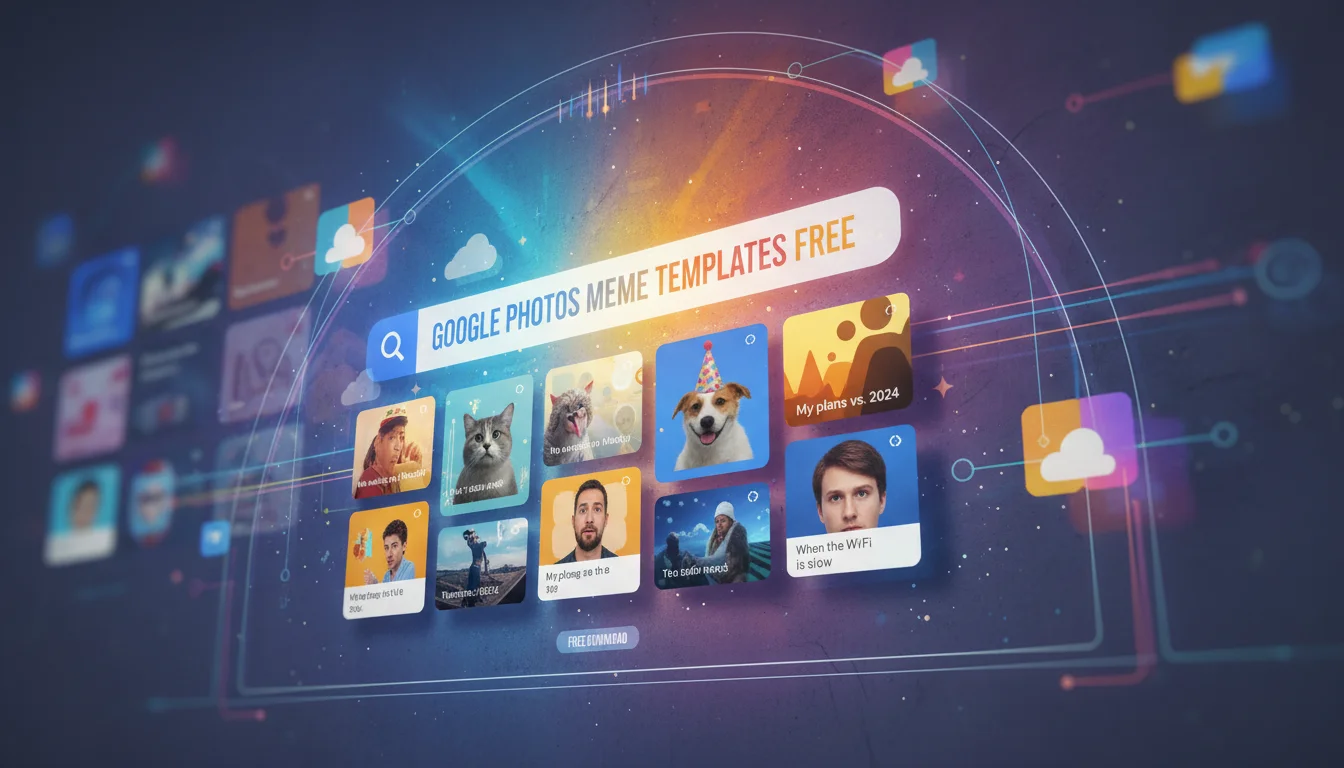

If you have been scrolling through TikTok or X (formerly Twitter) lately, you have probably noticed a surge in personalized, high-quality memes that look suspiciously professional. The secret is out: Google Photos has just dropped a massive update featuring the ‘Me Meme’ generator. This AI-powered tool allows users to transform their own selfies into viral-worthy memes using a library of free, pre-built templates.
Gone are the days of wrestling with complex editing software or watermark-heavy third-party apps. With the new Google Photos meme templates, creating hilarious, relatable content is as simple as tapping a button. In this guide, we will dive deep into how to access these free templates, how the AI works, and how you can start creating your own viral content today.
What is the Google Photos ‘Me Meme’ Feature?
The ‘Me Meme’ feature is the latest addition to the Google Photos Create tab. Powered by Google’s advanced Generative AI (Gemini models), this tool utilizes logic similar to that found in an agentic AI workflow automation guide to analyze your facial expressions and automatically integrate them into popular meme formats. Unlike traditional editors where you simply overlay text on an image, Me Meme actually adapts your photo to match the artistic style and vibe of the template.
The update addresses a major user pain point: the lack of high-quality, watermark-free meme templates that are easy to customize. Google has included a vast library of pre-built options, ranging from classic reaction images to modern, surreal humor styles, all available for free within the app.
How to Access Free Meme Templates in Google Photos
Ready to turn your camera roll into a meme factory? The feature is currently rolling out to Android users in the US, with iOS support following closely. Here is the step-by-step framework to accessing the templates:
Step 1: Update Your App
Ensure you are running the latest version of the Google Photos app (version 6.x or higher). Check the Google Play Store to verify you have the newest build installed.
Step 2: Navigate to the Create Tab
Open Google Photos and tap on the (+) Create button usually found at the top or in the library menu. Scroll down past ‘Collage’ and ‘Highlight Video’ until you see the new ‘Me Meme’ option.
Step 3: Choose Your Template
This is where the magic happens. You will be presented with a carousel of free meme templates. Categories include:
- Reaction Memes: Perfect for ‘When you realize…’ moments.
- Wholesome: Cute and positive formats.
- Surreal/Gen Z: Abstract and deep-fried styles.
- Custom: Upload a reference image if you have a specific format in mind.
Step 4: Select Your Face
Once you select a template, the AI will ask you to choose a photo of yourself (or a friend). For the best results, pick a clear selfie where your expression matches the vibe of the meme.
Step 5: Generate and Edit
Tap ‘Generate’ and watch the AI fuse your face with the template. You can then edit the text caption to fit your specific joke. If you don’t like the result, hit ‘Regenerate’ to see a different variation.
Why This Trend is Exploding Right Now
The search volume for “google photos meme templates free” is spiking because this feature democratizes content creation. Previously, making a high-quality meme meant using Photoshop or dealing with ad-filled websites. Google has streamlined this into a native, ad-free experience, incorporating important tools and software features that simplify the user journey.
Key Benefits of Using Google Photos Templates:
- Zero Cost: The feature is completely free for Google Photos users.
- No Watermarks: Unlike ‘Mematic’ or ‘Imgflip’, the exports are clean.
- AI Integration: The blending of the face into the template is superior to simple cut-and-paste jobs.
- Cloud Integration: Your creations are instantly backed up to your library.
Top Tips for Creating Viral Memes with ‘Me Meme’
To get the most out of the Google Photos meme maker, follow these semantic optimization tips for your content, which align with new AI visibility metrics currently shaping digital engagement:
- Expression Matters: The AI works best with exaggerated facial expressions. If the template is an “angry” meme, use a photo where you look genuinely frustrated.
- Lighting: High-contrast photos blend better with illustrated or deep-fried templates.
- Contextual Captions: Use the text editor to add current slang or trending topics to make your meme relevant.
Troubleshooting: Why Can’t I See the Feature?
If you are searching for “how to get google photos meme templates” and cannot find the option, consider the following:
Region Lock: The feature launched primarily in the US. Global rollout is expected throughout 2026.
Device Compatibility: While it is processed in the cloud, older devices might not support the latest app UI updates immediately. Ensure your Android OS is up to date.
Frequently Asked Questions (FAQ)
Are Google Photos meme templates actually free?
Yes, the templates included in the ‘Me Meme’ feature are 100% free to use. There are no in-app purchases required to unlock specific meme formats.
Can I use ‘Me Meme’ on iPhone (iOS)?
Google has announced that while the feature premiered on Android, it is rolling out to iOS users shortly. Keep your Google Photos app updated via the App Store.
Does generating memes use my Google storage?
The memes you save will count toward your storage quota just like any other photo. However, the generation process itself does not consume data or storage until you hit ‘Save’.
Can I upload my own templates?
Yes! In the ‘Me Meme’ menu, there is an option to upload a reference image, allowing you to turn any image from the web into a reusable template powered by AI.
Conclusion
The Google Photos ‘Me Meme’ update is a game-changer for digital expression, offering a robust library of free meme templates directly in your gallery app. By leveraging generative AI, Google has made it easier than ever to create personalized, hilarious content without the hassle of third-party tools.
Whether you are looking to roast your friends in a group chat or go viral on social media, these new tools put the power of a meme studio in your pocket. Open your Google Photos app, check the Create tab, and start generating today!