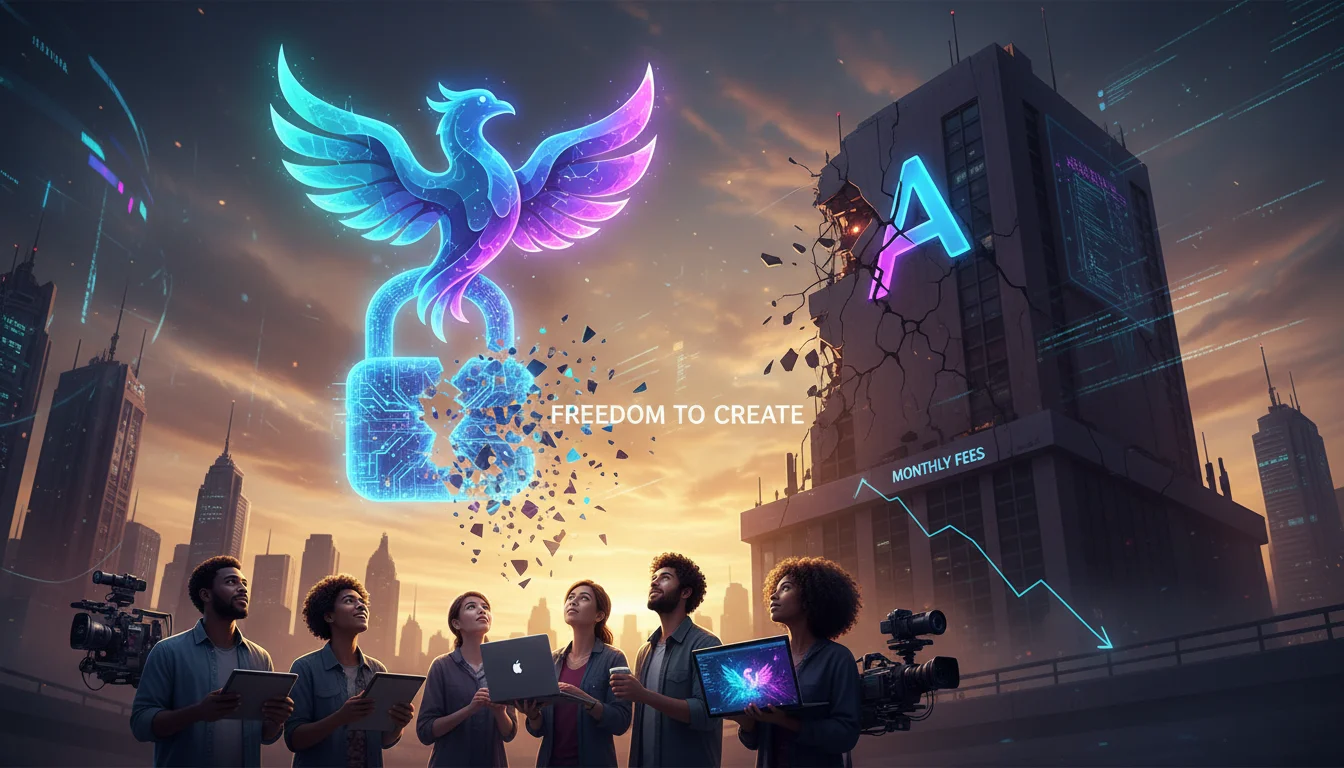

The era of the $54.99 monthly Creative Cloud subscription is facing a reckoning. For years, digital artists and content creators have been tethered to the Adobe ecosystem, paying premium rates for tools that, while powerful, effectively rent out your own capability to create. With the rise of Adobe Firefly, creators gained access to impressive text-to-image capabilities, but often at the cost of strict content guardrails, credit limits, and yet another recurring bill.
We are witnessing a massive shift in 2026: Subscription Fatigue. US-based creators are increasingly looking for sovereignty over their workflows. They want tools that reside on their own hard drives, offer uncensored creativity, and cost exactly zero dollars in monthly fees. Fortunately, the open-source generative AI community has advanced rapidly, producing models and interfaces that not only rival Firefly—similar to how tools like Claude Code vs Codex are reshaping development—but often surpass it in flexibility and raw quality.
This guide explores the most powerful open source alternatives to Adobe Firefly, focusing on local semantic adherence, image fidelity, and the freedom of open weights.
Why Leave the Walled Garden? The Case for Open Source AI
Before diving into specific tools, it is crucial to understand the semantic shift in the industry. Adobe Firefly operates as a "black box" service. You input a prompt, and a server somewhere handles the inference. While convenient, this comes with limitations:
- Censorship and Guardrails: Firefly is trained on Adobe Stock images to be "commercially safe," which often results in overly sanitized outputs and refusals to generate benign concepts.
- Cost Per Generation: The "Generative Credits" system creates anxiety around experimentation.
- Lack of Fine-Tuning: You cannot easily train Firefly on your specific brand style or face without enterprise-level contracts.
Open source alternatives utilize Local Inference. This means the model runs on your GPU (Graphics Processing Unit). You own the model, you control the parameters, and you can generate 10,000 images a day without paying a cent extra.
1. Flux.1 (by Black Forest Labs): The New Quality King
If you are looking for the closest 1:1 competitor to Firefly regarding image coherence and photorealism, Flux.1 is the current heavy hitter. Developed by the original engineers behind Stable Diffusion, Flux has taken the open-source community by storm.
Why it replaces Firefly:
Adobe Firefly is praised for its ability to render text accurately inside images (e.g., a sign that says "Bakery"). Historically, open-source models struggled with this. Flux.1, however, excels at prompt adherence and typography. It understands complex spatial relationships just as well as, if not better than, proprietary models.
There are three versions of Flux:
- Flux.1 [Schnell]: The fastest version, Apache 2.0 licensed (fully free for commercial use).
- Flux.1 [Dev]: Higher quality, non-commercial license (unless you pay for an API, but usable locally for personal projects).
- Flux.1 [Pro]: Closed source API only.
For most creators, Flux.1 [Schnell] is the go-to open-source alternative for commercial projects requiring high fidelity.
2. Stable Diffusion XL (SDXL) & SD 1.5: The Customization Standard
While Flux is the new kid on the block, Stable Diffusion remains the backbone of open-source AI. Its strength lies not just in the base model, but in the massive ecosystem of LoRAs (Low-Rank Adaptation) and ControlNets.
The Power of ControlNet
One feature Adobe users love is "Generative Fill" and structure reference. In the open-source world, ControlNet allows you to copy the composition, pose, or depth map of an existing image and apply it to a new generation. This offers significantly more granular control than Firefly’s style reference tools.
- Civitai Ecosystem: Unlike Adobe, where you are stuck with the base style, the Stable Diffusion community (via sites like Civitai) offers thousands of fine-tuned models. Need an anime style? A specific oil painting aesthetic? A photorealistic macro-photography look? There is a custom checkpoint model for that.
3. Fooocus: The "Firefly-Like" Interface
The biggest barrier to entry for open source is often technical complexity. Interfaces like Automatic1111 or ComfyUI look like airplane cockpits. This is where Fooocus shines.
Fooocus is an open-source software that wraps the power of SDXL (and recently Flux support) into a UI that looks almost identical to Midjourney or Firefly. It automates the complex math—stopping steps, CFG scales, and sampler selection—allowing you to focus purely on the prompt.
Key Features of Fooocus:
- Inpainting/Outpainting: Seamlessly expand images or change specific details (like changing a shirt color), functioning similarly to Adobe’s Generative Fill.
- One-Click Styles: Select from presets like "Cinematic," "Isometric," or "Pixel Art" without typing complex prompt modifiers.
- Zero Monthly Cost: It is completely free and runs offline.
4. Invicta & Pony Diffusion: For Niche Stylization
Adobe Firefly is notoriously bad at specific artistic niches, such as high-fantasy concept art, comic book inking, or heavy stylization, due to its "safe" training data. Models like Pony Diffusion (based on SDXL) have become the gold standard for illustrators who need distinct, non-photorealistic styles. These models understand artist tags and booru-style prompting, offering a level of interpretative creativity that corporate models specifically filter out.
Hardware Requirements: The "Hidden" Cost
To run these open-source alternatives effectively, your computer acts as the server. This means hardware matters. While you save on subscription fees, you need a capable GPU.
Recommended Specs for 2026:
- GPU: NVIDIA RTX 3060 (12GB VRAM) is the budget king. RTX 4090 is the gold standard.
- VRAM: This is the most critical metric. SDXL needs at least 8GB. Flux.1 prefers 12GB to 16GB for smooth operation.
- Mac Users: Apple Silicon (M1/M2/M3) is supported via software like "Draw Things" or "DiffusionBee," though speeds are slower than NVIDIA GPUs. Those setting up new systems should refer to our moltbot mac mini m4 setup guide to optimize their local environment.
Conclusion: Owning Your Creativity
Switching from Adobe Firefly to an open-source alternative like Flux.1 or Stable Diffusion is more than just a cost-saving measure; it is a move toward creative independence. While Adobe offers convenience, open source offers power, privacy, and permanence. By leveraging tools like Fooocus for ease of use or learning how to create Gemini AI action figures with custom prompts, you can build a generative AI pipeline that no subscription hike can take away from you.
The learning curve is steeper, but the view from the top—where you own your models and your outputs—is worth the climb.
Frequently Asked Questions (FAQ)
Is there a truly free alternative to Adobe Firefly?
Yes. Fooocus and Stable Diffusion are completely free software. However, you need a computer with a dedicated graphics card (GPU) to run them efficiently. If you don’t have powerful hardware, you can run them on cloud GPUs (like RunPod) for pennies per hour, which is still cheaper than a fixed subscription.
Can I use open source AI images commercially?
Generally, yes. Flux.1 [Schnell] and Stable Diffusion 1.5/SDXL have permissible licenses (Apache 2.0 or CreativeML Open RAIL-M) that allow for commercial use. Always verify the specific license of any fine-tuned model (checkpoint) you download from community sites like Civitai.
Which open source model is best for text rendering?
Currently, Flux.1 is the best open-source model for rendering legible text within images, rivaling the capabilities of Adobe Firefly and Ideogram.
Is open source AI safe for work (NSFW filters)?
Open source models are "uncensored" by nature, meaning they can generate NSFW content if prompted. However, most front-end interfaces allow you to install "safety checkers" or negative embeddings that filter out inappropriate content, making them suitable for workplace environments.