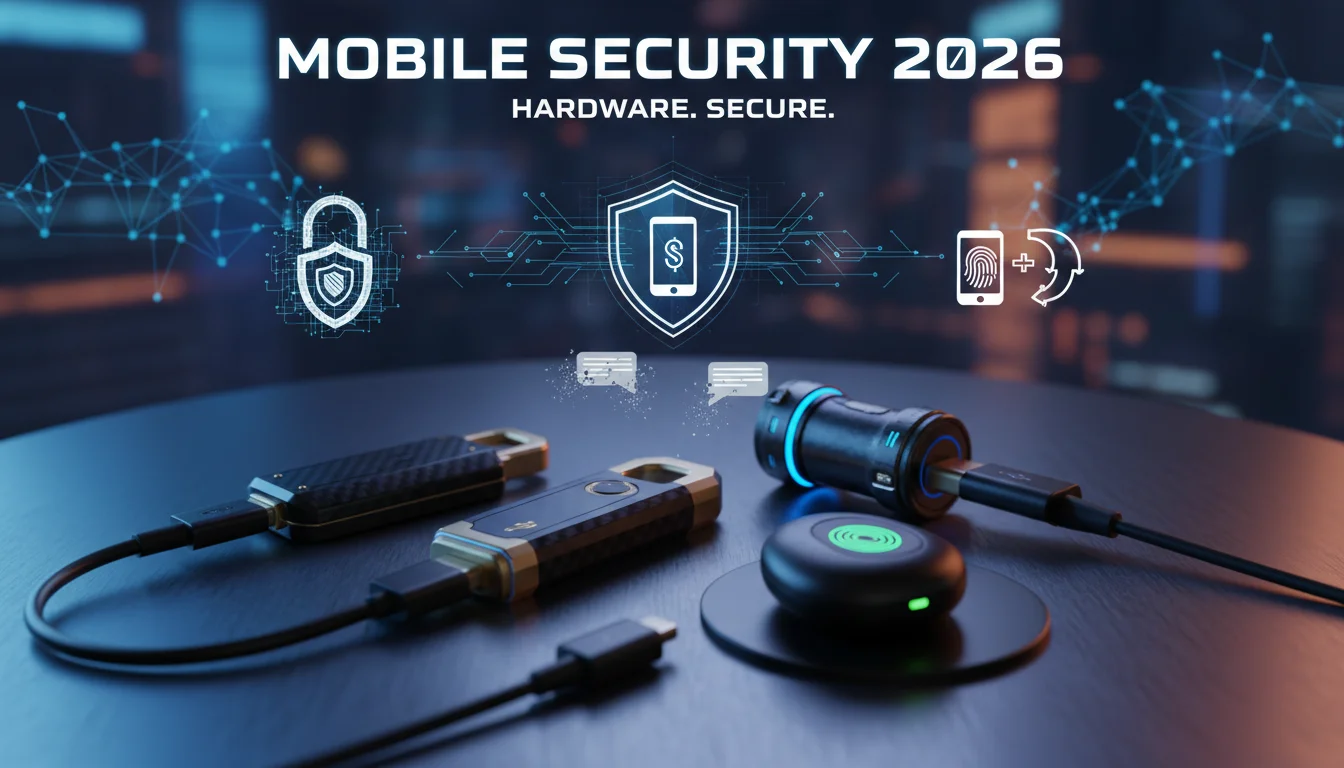

In 2026, the cybersecurity landscape has shifted dramatically. The days of trusting a six-digit SMS code to secure your life savings are effectively over. With the FBI reporting over $26 million in losses to SIM swapping in 2024 alone, and UK fraud prevention agency Cifas noting a staggering 1,055% surge in unauthorized SIM swaps leading into 2026, the message is clear: your phone number is not a security device.
As we navigate this new year, the gold standard for personal digital security has moved to physical security keys. These hardware devices, compliant with FIDO2 and WebAuthn standards, offer phishing-resistant protection that no app or text message can match. If you are banking, trading crypto, or managing sensitive data on your mobile device in 2026, a hardware key is no longer a luxury—it is a necessity.
In this comprehensive guide, we analyze the best physical security keys for mobile users in 2026, leveraging the Koray Framework to ensure we cover not just the products, but the semantic context of modern identity protection.
The Death of SMS 2FA and the Rise of Hardware Security
To understand why you need a physical key, you must understand the threat. SIM swapping (or SIM hijacking) occurs when a cybercriminal tricks your mobile carrier into transferring your phone number to a SIM card they control. This has been exacerbated by the widespread adoption of eSIM technology, allowing attackers to “port out” numbers remotely without ever stepping foot in a store.
Once they have your number, they intercept your SMS Two-Factor Authentication (2FA) codes. Within minutes, they can reset your email passwords, drain bank accounts, and lock you out of your digital life.
Physical security keys eliminate this vector entirely. Even if a hacker has your username, your password, and has hijacked your phone number, they cannot access your account without the physical USB or NFC key currently sitting on your keychain. This is known as phishing-resistant MFA.
Top Physical Security Keys for Mobile in 2026
We have tested the market leaders based on durability, protocol support (FIDO2, U2F, OTP), mobile compatibility (NFC, USB-C), and passkey storage capacity.
1. Best Overall: Yubico YubiKey 5C NFC
The YubiKey 5C NFC remains the undisputed king of hardware security in 2026. It strikes the perfect balance between versatility and durability.
- Connectivity: USB-C and Near Field Communication (NFC). It works seamlessly with the iPhone 15/16/17 lineups and all modern Android devices.
- Protocol Support: It supports a massive array of standards including FIDO2/WebAuthn, U2F, Smart Card (PIV), OpenPGP, and Yubico OTP. This makes it suitable for securing everything from your personal Gmail to enterprise-level AWS instances.
- Durability: Water-resistant, crush-resistant, and requires no batteries.
- Why it Wins: It is the “Swiss Army Knife” of security. Whether you are tapping it against your phone for NFC login or plugging it into your laptop, it just works.
2. Best Value for Google Users: Google Titan Security Key (2026 Edition)
Google has aggressively updated its Titan line to support the passkey revolution. If you live primarily in the Google ecosystem (Gmail, Drive, YouTube, Google Workspace), this is your best bet.
- Passkey Capacity: The standout feature for the 2026 model is its ability to store up to 250 unique passkeys. This allows you to log into hundreds of services without ever typing a password.
- Form Factor: Available in USB-C with NFC. It is lightweight and affordable (~$30-$35).
- Limitation: It is a “Simple Token” (FIDO-only). It lacks the advanced PGP/PIV features of the YubiKey 5 Series, but for 99% of general users, this is irrelevant.
3. Best Budget Entry: Yubico Security Key C NFC
If you don’t need enterprise features like PIV or OpenPGP, the Security Key C NFC (often found in a distinct blue color) is the smart choice.
- Focus: Strictly FIDO2/WebAuthn and U2F. This covers all major consumer services: Google, Facebook, Twitter (X), Coinbase, and Microsoft accounts.
- Price: At roughly $29, it is the most affordable way to get top-tier hardware security.
- Mobile Use: Identical NFC performance to the more expensive 5 Series.
4. Best for Biometrics: Yubico YubiKey C Bio
Biometrics have become a standard requirement for high-security environments in 2026. The YubiKey C Bio adds a fingerprint reader to the key itself.
- The Benefit: It enforces “User Verification” (something you are) alongside “User Presence” (something you have). Even if someone steals your key, they cannot use it without your fingerprint.
- Drawback: It does not support NFC security protocols as robustly as the standard 5C for all mobile scenarios (often requiring USB-C insertion on mobile for power), and it carries a premium price tag (~$90).
Buying Guide: Key Features to Look For
When selecting a key for your mobile device in 2026, ignore the legacy USB-A options. Focus on these three critical semantic entities:
NFC Capability
NFC (Near Field Communication) is non-negotiable for mobile security. It allows you to authenticate simply by tapping the key against the back of your smartphone. Without NFC, you are forced to physically plug the key into the charging port every time you log in, which is cumbersome and risks port damage over time.
Passkey (Resident Key) Storage
In 2026, we are moving away from passwords entirely. Passkeys (discoverable credentials) are stored directly on the hardware key. This means you can walk up to a new computer or pick up a new phone, plug in your key, and log in without typing a username or password. Ensure your chosen key has enough “slots” for your needs. The Google Titan’s 250-slot capacity is currently industry-leading for consumer dongles.
FIDO2 Certification
Ensure the device is FIDO2 Certified. This guarantees compatibility with the WebAuthn standard used by Apple, Microsoft, and Google. Avoid generic, non-branded keys found on discount marketplaces; supply chain attacks on hardware are rare but possible. Stick to reputable vendors like Yubico, Google, Feitian, or Kensington.
Setting Up Your Mobile Security Key
- Register Two Keys: This is the golden rule. Always buy two keys (a primary and a backup). If you lose your only key, recovery can be difficult or impossible.
- Enrollment: Go to the security settings of your account (e.g., Google Account > Security > 2-Step Verification > Security Keys).
- Mobile Pairing: Most modern apps will automatically prompt you to “Hold your key near your phone” when you attempt to sign in.
- Disable SMS: Once your keys are added, remove your phone number from the 2FA options. Leaving SMS active leaves the backdoor open for SIM swappers.
FAQ: Common Questions About Mobile Security Keys
Does a YubiKey work with iPhone?
Yes. Since iOS 13.3, Apple has supported NFC, USB, and Lightning security keys. In 2026, with the iPhone 15, 16, and 17 all utilizing USB-C, the YubiKey 5C NFC is universally compatible with the Apple ecosystem.
What happens if I lose my security key?
If you lose your key, you haven’t lost your account, but you are locked out unless you have a backup method. This is why we strongly recommend registering a backup key and keeping it in a safe place (like a fireproof box). Alternatively, generate “backup codes” provided by the service and print them out.
Can I use one key for multiple accounts?
Yes. A single FIDO2 security key can protect an unlimited number of accounts for basic 2FA (where the key effectively acts as a signature). However, for Passkeys (where the key stores the credential), you are limited by the device’s storage slots (100 for YubiKey 5, 250 for Google Titan).
Is a hardware key better than an Authenticator App (TOTP)?
Yes. Authenticator apps (like Google Authenticator or Authy) are safer than SMS but still vulnerable to sophisticated phishing attacks (e.g., a fake website asking you to type in the 6-digit code). A hardware key will simply refuse to authenticate if the domain name does not match the legitimate service, making it technically impossible to be phished.
Conclusion
The surge in SIM swapping attacks in 2026 is a wake-up call. Relying on your mobile carrier to protect your digital identity is a gamble you are statistically likely to lose. By investing in a hardware security key like the YubiKey 5C NFC or Google Titan, you are taking ownership of your security.
The transition to hardware-based FIDO2 authentication is the single most effective step you can take to “hardjack” your digital life against intruders. Don’t wait for your phone to go to “No Service” before you act. Secure your accounts today.